Free SOLIDWORKS in 2026: the 7 legal options — and the real price when you must pay
Published July 10, 2026 — student, teacher, maker, hobbyist, startup or SME: there is a legal (free or nearly free) option for every profile. The complete guide with each option's real limitations, the true answer for Mac, commercial license price ranges, and why the cracked version is the worst deal.
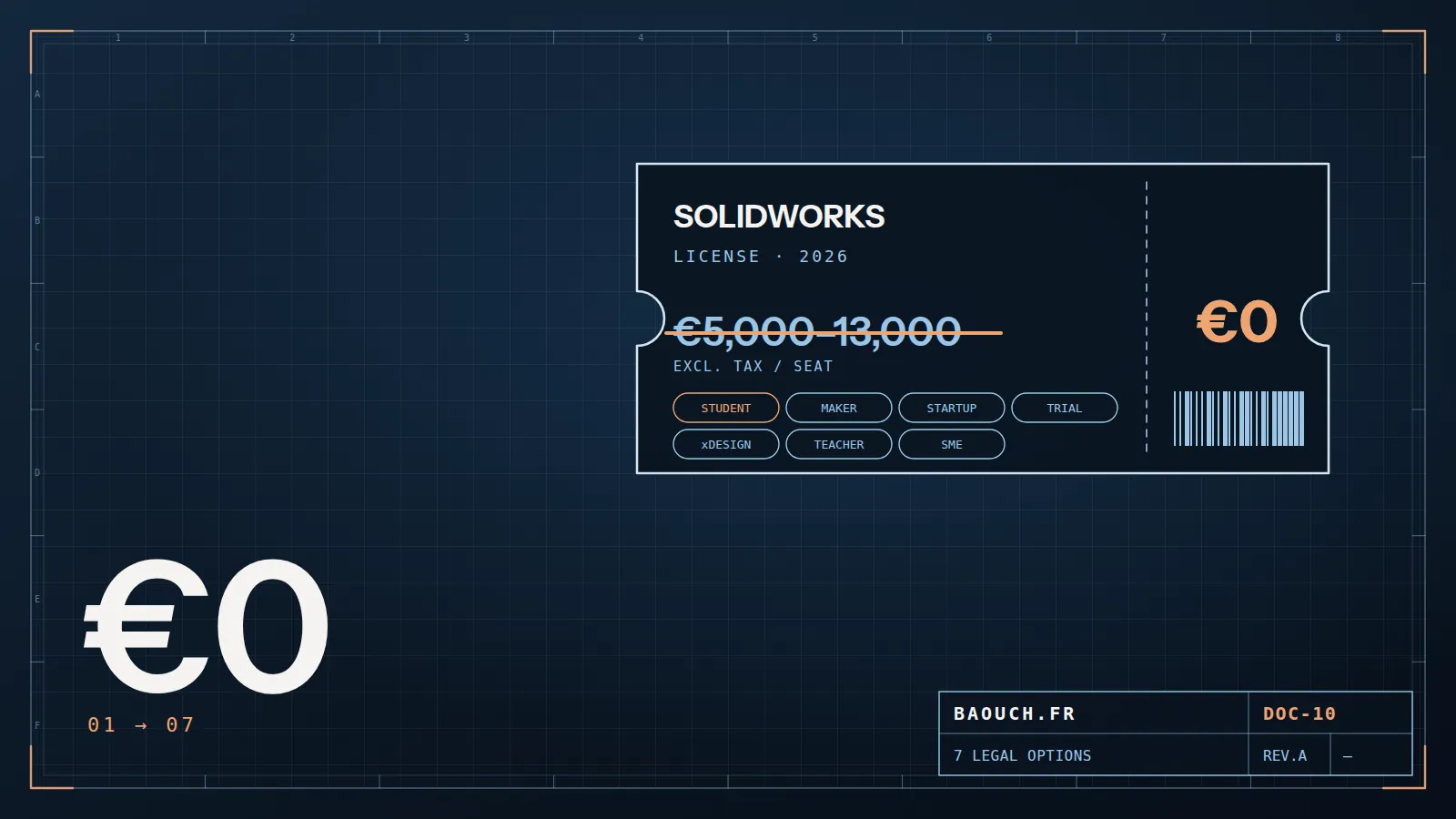
Let's start with the answer you came for, no detours. There is no full free version of SOLIDWORKS for commercial use — but there are 7 legal paths, free or low-cost, covering almost every real situation:
1. Students and teachers: truly free
If you're a student at an institution that teaches CAD (technical high school, technical institute, engineering school, university), chances are your school already holds a SOLIDWORKS education license — it usually includes a student install right for personal machines (the "SEK", SOLIDWORKS Education Kit, with a serial number provided by the school). First reflex: ask your teacher or IT department before hunting for anything else.
Things to know: files created with an education license carry an education watermark (they show a warning when opened in a commercial version) and commercial use is prohibited. For learning, coursework and CSWA/CSWP certification prep: it's the perfect option, and genuinely free for you. Teachers benefit from the same program through their institution.
Your school doesn't have a license? There's an individual paid student edition at a reduced price (in the range of a few tens of euros per year), and the Makers option below also works very well for learning.
2. Makers and hobbyists: SOLIDWORKS for Makers, the ~$48/yr option
This is the option most hobbyists don't know about. SOLIDWORKS for Makers (via the 3DEXPERIENCE platform) gives access to the real SOLIDWORKS modeler — not a stripped-down design engine — for a symbolic price: about $48 per year (the exact price varies with promotions and countries). For 3D printing, personal projects and learning: by far the best power-to-price ratio on the market.
The real limitations, for an honest review: strictly non-commercial use (the moment you sell, you need a commercial license); files are saved in a maker-marked format that commercial versions can't open; a 3DEXPERIENCE platform connection is required (worth knowing if you work offline); and no access to commercial add-ins like advanced simulation or PDM. Nothing blocking for personal use — but you should know it before, not after.
The classic trap of the successful maker: the personal project becomes a small business, the files are in maker format… and everything must be remodeled when moving to a commercial license. If you have any plan to sell, anticipate the switch.Mohamed Omar Baouch
3. Startups, free 30-day trial and viewers
"SOLIDWORKS for Startups": a little-known yet very generous program — eligible young companies (age and revenue criteria, application required) receive licenses, training and visibility free for the first year. If you're launching a hardware startup, this is THE application to file before buying anything.
The free trial: Dassault Systèmes offers an online (cloud) trial of connected SOLIDWORKS — you test from a browser, no install, no credit card, typically for 30 days. Ideal to form a real opinion before buying, or to check your machine isn't the limiting factor. Your reseller can also provide a full desktop evaluation as part of a project.
The 100% free viewers: eDrawings Viewer opens SOLIDWORKS parts, assemblies and drawings (plus STEP, DWG…) for free, with measuring and markup — perfect for purchasing, production, subcontractors. Many companies pay full licenses for people who only view: a viewer (or a Contributor license in PDM Professional) is often enough.

4. SOLIDWORKS on Mac (M1/M2/M3/M4): the real answer
Let's say it clearly because many sites keep it vague: there is no native macOS version of desktop SOLIDWORKS, and Apple Silicon chips don't change that. Your real options:
- 3DEXPERIENCE cloud apps (including the Makers offer and the online trial) run in a browser — so yes, on a Mac. Today it's the cleanest answer for a Mac.
- Virtualization (Parallels) or Boot Camp (Intel): technically possible with caveats, but not officially supported — unpredictable performance and stability on large assemblies, uncertified GPU. For occasional use, not production.
- A dedicated PC remains the serious answer for intensive professional use — see my SOLIDWORKS hardware guide.
5. The real price of commercial licenses in 2026
When use becomes commercial, here are the observed orders of magnitude in France (exact prices depend on the reseller, discounts and promotions — treat these as reference points, not an official price list):
- Perpetual desktop license ("lifetime license"): roughly €5,000-13,000 excl. tax per seat depending on the edition — Standard, Professional (adds PDM Standard, rendering, libraries) or Premium (adds simulation and routing) — plus annual maintenance (~18-25% of the price) for updates and support.
- Subscription (annual terms, including 3DEXPERIENCE offers): roughly €2,000-4,000 excl. tax per year depending on edition and contract. Cheaper upfront, more expensive after 3-4 years: run the numbers on your real horizon.
- Don't forget the ecosystem: data management (PDM) is the #1 complement once the team grows — I detailed the complete budget of a PDM project here.
Negotiation tip: resellers (like Visiativ, where I work) have room on multi-seat bundles, competitive trade-ins and quarter ends. A quote is negotiable — especially alongside a real project.
6. The cracked version: the worst deal (beyond ethics)
Taboo topic, let's be frank. Beyond illegality (counterfeiting, real litigation risk for a business — vendors do audit), the cracked version is a bad practical deal: pirated installers are the #1 malware vector targeting engineers (CAD data theft, ransomware); no updates or fixes; potentially corrupted files nobody will recover; no certification possible; and a design history that's professionally unusable since unavowable. With the ~$48/yr Makers option and free education licenses, cracking doesn't even have the price excuse anymore.
7. FAQ
Does free online SOLIDWORKS without installing exist?
Yes: the 30-day cloud trial and 3DEXPERIENCE apps (including the Makers offer) run in a browser. There is however no unlimited free online version for commercial use.
Does the "lifetime license" still exist?
Yes, the perpetual desktop license can still be purchased through resellers, with optional but strongly recommended annual maintenance. The market trend pushes toward subscription, but perpetual hasn't disappeared.
I'm a student — does my license expire after graduation?
Yes, education licenses are tied to student status (usually renewed yearly). After graduation: young-graduate offers where available, the Makers option for personal projects, or a commercial license via your employer.
Wouldn't free FreeCAD or Onshape do the job?
For some personal uses, yes. But if your goal is employability in engineering offices or compatibility with clients/subcontractors, learning the market-standard tool with a legal ~$0-48/yr option remains the better investment.
And to manage files as a team grows?
That's PDM's job — start by understanding PDM Standard vs Professional (Standard ships with SOLIDWORKS Professional/Premium, so it's already paid for) and the real budget of a PDM project.
The one-line summary: learn for free (education), tinker for ~$48/yr (Makers), test for 30 days (cloud), view for free (eDrawings) — and when you make money with it, pay for the license: it's what guarantees your files, your updates and your professional credibility.Mohamed Omar Baouch