SOLIDWORKS PDM: the complete guide, from the vault principle to daily operation
Published 19 September 2026 — what a vault actually does, the six functions that make it up, the server architecture it demands, the seven steps of a deployment that holds, what happens once in production, and the mistakes that recur in nearly every assignment. The entry point to every detailed article on this site.
The principle in 30 seconds
A PDM — Product Data Management — replaces the shared network folder with a vault: a space where every file is stored with its full history, its metadata, its links to other files, and a clear rule about who may modify it at any given moment.
The difference fits in one sentence: a network folder stores files, a vault understands what it stores. It knows an assembly depends on forty parts, that a drawing references one of them, and that renaming that part must update both others. That's exactly what a file system ignores — and where missing references and half of daily SOLIDWORKS errors come from.
1. The 6 functions of a vault
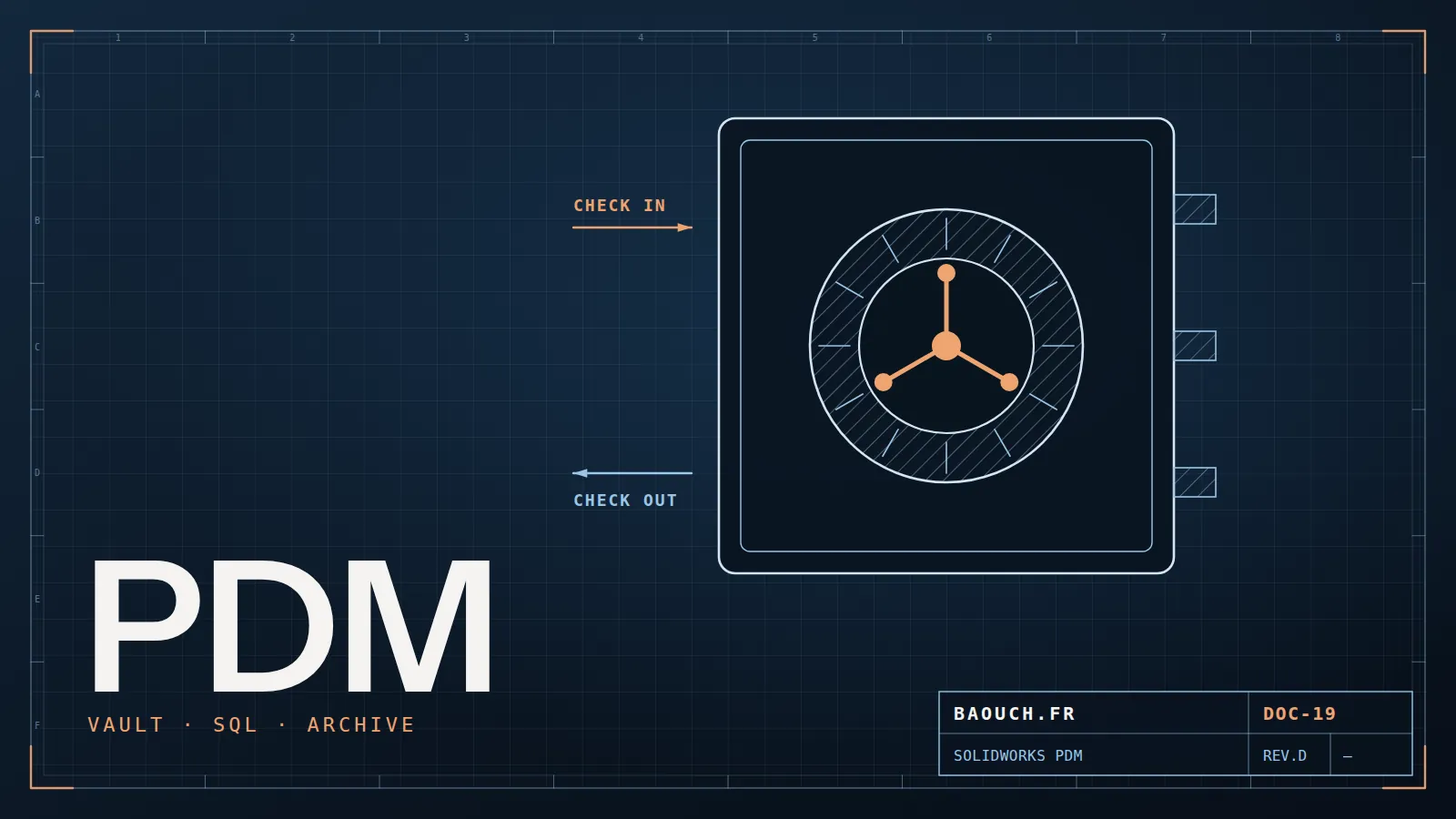
- 1. Check-out and check-in. To modify a file you check it out: it's then locked for others, who see it read-only and know who holds it. You check it back in, creating a version. End of "can I save? do you have it open?" and of parallel copies that diverge.
- 2. Versions and revisions. Two distinct notions everyone conflates: a version is created at each check-in (the working history), a revision marks an approved, released state (A, B, C). The vault keeps both, and lets you return to any point in the past.
- 3. Data cards. The form attached to each file: description, material, revision, customer, project. It feeds the BOMs and the drawing title blocks. Designed well, it enforces closed lists rather than free text — the only way to get clean data that survives all the way to the ERP.
- 4. Workflows. The route a document travels: in design, under review, approved, obsolete — with the rights and notifications attached to each transition. This is where your approval rules get formalised, and the foundation of change management.
- 5. Search. Finding a part by material, customer, revision or a word in its description, in seconds — instead of opening fifteen folders. It's the gain users feel most immediately, and often what wins their buy-in. Well-filled data cards then open the way to semantic search and other AI uses on the vault.
- 6. Reference management. The vault knows the links between parts, assemblies and drawings. Moving or renaming from within the vault updates everything that depends on them — which no file explorer can do, and the reason manipulations outside the vault are forbidden.
2. Standard or Professional: the essentials in a few lines
The point many companies miss: PDM Standard is included with SOLIDWORKS Professional and Premium. If you own those editions, you already have a vault — paid for, not deployed. It's the first thing I check when arriving on an assignment.
In short: Standard suits a small single-site team with simple workflows. Professional becomes necessary as soon as you need replicated sites, many non-CAD users, automated tasks (PDF conversion, printing), ERP integration or elaborate workflows. The differences, question by question, are in the dedicated article, and an example of a vault replicated across several countries in the multi-site PDM migration case study.
3. The technical architecture, without jargon
A vault rests on three components, and understanding their roles is enough to diagnose most performance problems:
- The database (SQL Server) stores the metadata: who holds what, which versions exist, what values the cards carry. It's small in volume but constantly queried — it's what deserves attention first.
- The archive server holds the files themselves, in a tree you never touch by hand. It's the volume, and therefore the backup subject.
- The local cache, on each workstation: the working copy of consulted files. Its health decides perceived speed, and a poorly purged cache is a classic slowness cause.
Two rules that avoid much grief: back up the database and the archives together — restoring one without the other gives you an inconsistent vault — and exclude the vault folders and the cache from real-time antivirus scanning, once validated by your IT team. The rest of the performance diagnosis, component by component, is detailed in the 7 real causes of slowness and hardware sizing.
4. Deploying a PDM in 7 steps
The order matters more than the duration. Here's the sequence I follow, and the reason for each step:
- Map what exists. File volume, state of references, duplicates, unwritten rules. This diagnosis sizes everything else — and surfaces surprises before they get expensive.
- Define numbering and properties. Before any installation. These are the foundations: changing them after go-live costs ten times more.
- Write the workflows on paper. Who approves what, in what order, with which rights. This step triggers the real company conversations — that's its purpose, not a delay.
- Install and configure: servers, vault, data cards, workflows, rights. The most technical part, and paradoxically the most predictable.
- Migrate the data in batches. Cleaning, reference checking, progressive import. Never all at once, never unchecked — the full method is here.
- Train, with a pilot first. One team, one product family, a few weeks. Irritants surfaced there cost a hundred times less than those found after full rollout.
- Roll out, then appoint an administrator. A PDM lives: new users, new workflows, evolutions. With no named owner, it silently decays.
5. Life after go-live
The part least discussed and longest lived. Four things to keep on top of:
- Backups, tested. A backup never restored isn't a backup. Run the exercise once a year, on a test environment.
- Performance, monitored. A vault gradually slows as volume and user count grow. Measure benchmark open times rather than waiting for complaints.
- Newcomers, trained. Workarounds take root when someone never learned the right move — and then spread from user to user.
- Version upgrades, planned. Vault and workstations must stay aligned; updating SOLIDWORKS without updating the vault blocks everyone on a Monday morning.
6. The 6 mistakes recurring in nearly every assignment
- Replicating the existing folder tree inside the vault. A vault is navigated by search and metadata, not folders: copying the old filing means paying for a PDM to keep your old problems.
- Free-text data cards. Without closed lists, the same material gets written six ways and BOMs become unusable within three months.
- Workflows too complex at launch. Eight states and four approvers from day one: nobody follows, everybody bypasses. Start with three states.
- Migrating without cleaning. Importing duplicates and broken files is like moving house without opening the boxes: the mess is merely more expensive to store.
- Leaving direct access to the archive folder. Any manipulation outside the vault breaks consistency — rights must forbid it, not a verbal instruction.
- Appointing no administrator. With no owner, change requests pile up, workarounds become normal, and the vault reverts to a network drive with extra steps.
7. All articles, by theme
Choose and budget
- PDM or PLM: the 5 signals to switch
- Standard or Professional: the complete guide
- What does a PDM project really cost?
- PDM in the cloud: before you sign
- Industrial PLM from A to Z
- 5 PLM problems from the field, and the first step for each
Structure the data
- SOLIDWORKS numbering & properties
- BOM, eBOM, mBOM: the chain to the ERP
- Mastering ECO/ECR
- CAD exchange formats: STEP, IGES, Parasolid
Deploy and operate
8. FAQ
What is a PDM, in one sentence?
A vault that stores your design files with their history, metadata and links, and guarantees only one person edits them at a time — where a network folder merely warehouses them.
What's the difference between a version and a revision?
A version is created at each check-in and traces the work; a revision marks an approved, released state (A, B, C). You may have twelve versions between revision A and revision B.
Is PDM Standard really included with SOLIDWORKS?
Yes, with the Professional and Premium editions. Many companies therefore own a vault they've already paid for and never deployed: the first thing to check before any quote.
How long does a PDM deployment take?
A few months for one design office, counting data migration — almost always the longest item. The technical installation itself is measured in days.
Can you use a PDM without SOLIDWORKS?
Yes: a vault also manages office documents, PDFs and files from other CAD systems. Non-CAD users — purchasing, methods, quality — consult and approve without a design license.
What happens if the server goes down?
Files already in the local cache remain readable, but neither check-out nor check-in is possible. Hence the importance of tested backups — database and archives together — and a recovery plan written before you need it.
The one-line summary: a successful PDM rests on three decisions taken before installation — numbering, properties and workflows. Everything else can be fixed later; those three cannot.Mohamed Omar Baouch