Slow SOLIDWORKS PDM: the 7 real causes (and the 6th nobody checks)
Published June 18, 2026 — every assembly that drags on opening is an engineer losing focus. Here's why your vault is really slow, and how to win back 15 minutes a day per workstation.
"We bought €4,000 workstations and it's still slow." I hear that line in one launch meeting out of two. The company invested in hardware, IT swears "the network is gigabit," and yet opening a large assembly takes two minutes. The engineers have stopped complaining. They grab a coffee during check-out. Multiply those coffees by 15 people and 220 working days: you lose the equivalent of one and a half full-time roles every year, without a single budget line showing it.
The good news is that a slow SOLIDWORKS PDM is almost never a mystery. It's a chain — workstation, network, archive server, SQL database, antivirus, data cards — and one weak link is enough to slow everything down. After 100+ PDM projects, I always end up checking the same 7 places, in the same order. The 6th is the one even integrators forget. Take ten minutes: by the end of this article, you'll know exactly where to put your finger on Monday morning.
Before we start: time how long your largest assembly takes to open locally (file outside the vault), then from the vault. The gap between the two is your real diagnostic. Keep that number in sight — we come back to it at the end.
1. The undersized archive server
SOLIDWORKS PDM relies on two servers: the SQL Server (metadata, workflows, searches) and the Archive Server (storing and serving the physical files). When opening or check-out is slow, it's almost always the Archive Server that's suffering — and it's almost always the one installed "for now" on an old VM shared with three other services.
That server transfers gigabytes of CAD files all day long. If its disk is a 7200 rpm HDD, if its NIC is shared 1 Gbit/s, or if it runs on a VM with 4 GB of RAM, it becomes the bottleneck for the whole company. Your €4,000 workstations wait patiently.
At a special-machine builder, the Archive Server ran on the same VM as email and the document system. We isolated it on a dedicated host with an NVMe SSD and a 10 Gbit/s card. Opening time for the largest assembly: from 1 min 50 to 22 seconds. Zero changes on the SOLIDWORKS side.Mohamed Omar Baouch
What to check: an SSD (ideally NVMe) for the archive folder, enough RAM, a dedicated NIC, and above all — the Archive Server not sharing resources with another hungry service. It's the first lever, and often the only one you need.
2. The mis-configured local cache
The whole point of PDM is working locally on a cached copy, not pulling files from the server on every click. If your engineers see a download trigger on every open of files they already opened yesterday, your cache is mismanaged.
- Cache purged too aggressively — scripts wipe the local cache every night "to free space." Result: everything re-downloads each morning.
- Blanket "Get Latest Version" — the whole reference tree is pulled on every open instead of relying on the cached version.
- Full local disks — a cache on a full system drive is mechanically slow.
The right setup: a local cache on SSD, a sensible purge policy (keep active projects), and using archive replication for remote sites. Which brings us to the next link.
3. The antivirus scanning the vault — the silent killer
Here's the most frequent and most invisible cause. The antivirus on your workstations — and especially on the server — scans every file read or written in real time. But an assembly check-in is thousands of tiny disk operations. The antivirus intercepts them all, one by one.
The typical symptom: "it's fast in the morning, slow by mid-day." That's not network load — it's the antivirus starting its scheduled scan of the archive folder.
The fix is documented by Dassault Systèmes yet rarely applied: exclude from real-time scanning the workstations' local cache, the server's archive folder, the SOLIDWORKS processes (sldworks.exe, EdmServer.exe, ViewServer.exe) and the SQL database files. Excluding doesn't mean lowering security — it means scanning that data in the right place (at the source) instead of 50 times a day on every workstation.
4. The never-maintained SQL database
SQL Server drives searches, data cards and workflow transitions. A PDM database running for five years without maintenance builds up fragmented indexes and stale statistics. Searches slow down, opening properties drags.
- SQL RAM capped too low — SQL Server loves memory. On an active PDM database, 16 to 32 GB dedicated changes everything.
- No maintenance plan — index rebuilds and statistics updates must run every week.
- Overloaded Express edition — SQL Express is capped at 10 GB and 1 GB of RAM. Beyond a few dozen users, it's a glass ceiling.
A DBA (or an integrator) sets up a maintenance plan in half a day. The effect on searches is immediate and lasting.
5. Network and latency — the gigabit that lies
"We're on gigabit" means nothing on its own. What matters for PDM is real end-to-end throughput and above all latency. A remote site on a VPN with 30 ms latency can make the vault unusable, even with "high bandwidth," because the protocol multiplies round-trips.
For multiple sites, the answer isn't "more bandwidth" but a replicated archive server on each site: each team works on its local copy while replication syncs in the background. It's the only architecture that holds for an engineering team spread across several cities.
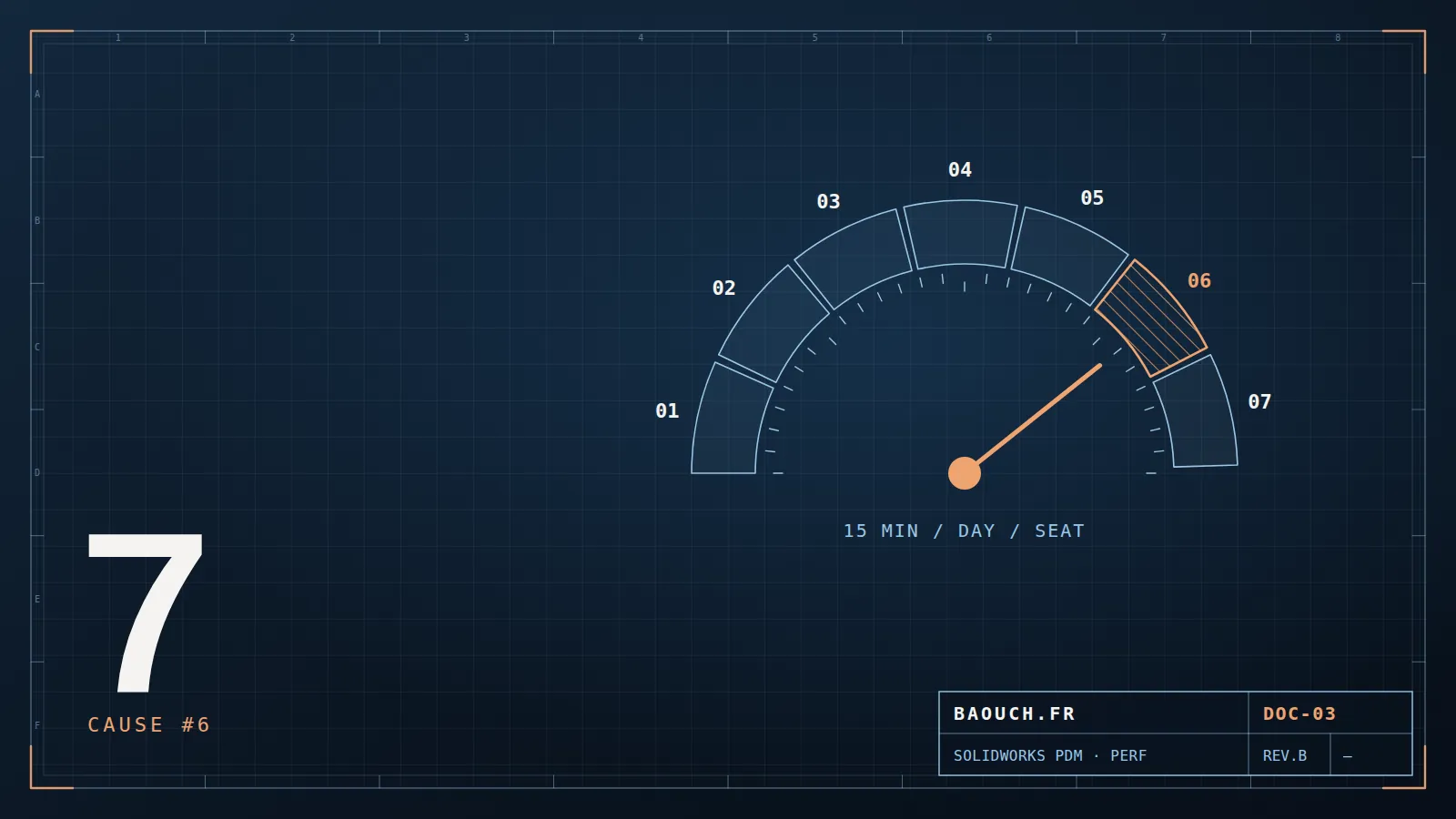
6. Data cards that are too heavy — the one nobody checks
Here's the cause even integrators forget, because it doesn't show in server logs. Data cards — the forms that appear when you select a file — can contain drop-downs fed by live SQL queries, controls with hundreds of values, and cascading conditional-input logic.
A client complained that "clicking a file lags." Neither server nor network were to blame. The data card had a "Supplier" list wired to an unfiltered SQL query returning 12,000 rows… on every click on every file. We cached the list: lag gone.Mohamed Omar Baouch
If everything else is healthy and selecting a file still stutters, open the card editor: dynamic lists, expensive default values, useless controls. Slimming a card takes an hour and is felt by every user, all day long.
7. References and folder structure
Sometimes it's not PDM — it's the CAD it has to manage. Assemblies with thousands of components, circular references, files duplicated under several names, a mis-configured Toolbox regenerating thousands of screws on every open: PDM is only the victim.
- Toolbox outside the vault or duplicated — the #1 source of broken references and slow opens.
- "Flat" assemblies of 5,000 parts with no sub-assemblies — every open reloads everything.
- Referenced files outside the vault — PDM searches, fails, waits, retries.
Here the fix is methodological: structure the Toolbox, break up large assemblies, bring every reference back into the vault. It's foundational work, but it's also what keeps the problem from coming back.
Go back to your starting number
Remember the gap I asked you to note at the start — opening time locally vs from the vault? Here's how to read it:
Small gap (a few seconds)
Your PDM infrastructure is healthy. Look at the CAD itself: cause #7, Toolbox, assembly weight.
Huge gap (×3 or more)
The problem is in the server/network/antivirus chain: causes 1, 3 and 5. Start with antivirus exclusions — it's free and immediate.
The fastest-paying order of attack: (1) antivirus exclusions, (2) isolate and speed up the Archive Server, (3) SQL maintenance plan. These three cover 70% of cases and require no change to engineers' habits — just a server that can finally breathe.
A fast PDM isn't an IT luxury. It's 15 minutes given back to every engineer each day, check-ins nobody postpones "because it's slow" anymore, and a team that finally trusts its vault. You've already paid for the hardware. It's just waiting to run at full speed.
Frequently asked questions
Why is SOLIDWORKS PDM slow?
By frequency: an undersized or unmaintained SQL database, the network between workstation and archive server, a poorly purged local cache, antivirus scanning every file, and over-complex data cards or workflows. The CAD model itself is rarely the culprit.
How do you tell whether it's the network or the workstation?
Time the same operation on a workstation with an empty cache, then on one already cached: a massive gap points to the network path. Then compare with a workstation on the same segment as the server. Without measurement, you replace hardware at random.
Should the vault be excluded from antivirus scanning?
The vault folders, the local cache and the archive directories deserve targeted exclusions, validated by your IT team. Real-time scanning across thousands of CAD files produces spectacular slowdowns and save failures.
Does adding RAM fix PDM slowness?
Rarely, because the problem is almost never on the workstation. Memory helps CAD; vault slowness plays out in the database, the network and the server's storage. Measure before buying.